Video.js skin

StayPlay
Look away, it waits. Look back, it plays.
A Video.js skin with on-device eye tracking: it pauses the film when you look away and plays it again when you look back, and the camera never leaves your device.
The ad
Try it yourself
Tap the eye in the control bar, allow the camera, then look away and look back.
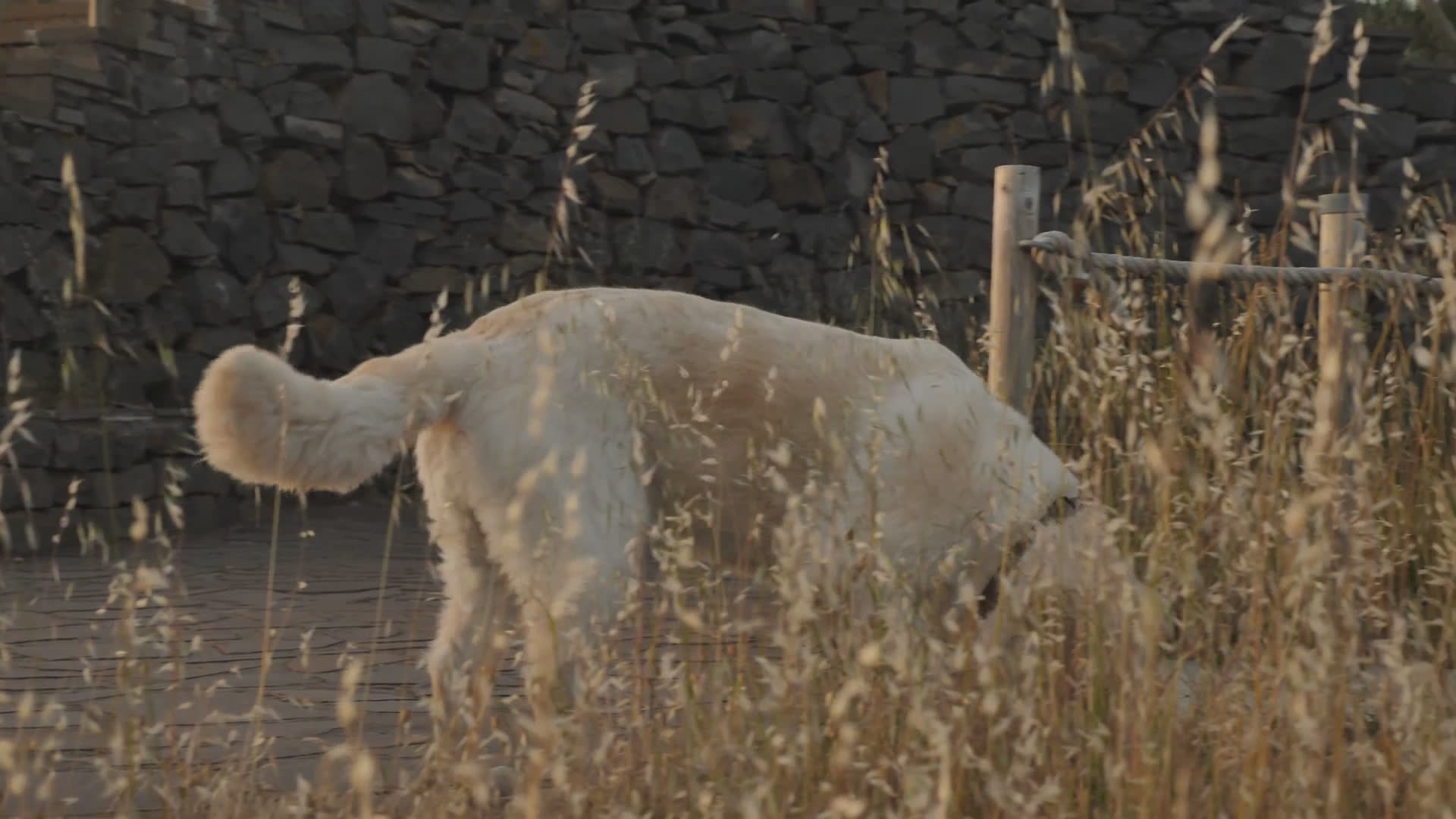
No video loaded




Notes
- Idea
- StayPlay is a player that watches back. Tap the eye in the control bar, read the consent card, and press Start camera. Face tracking then runs on your own device. Look away for about a second and the video pauses, with the words Waiting for you over the picture. Look back and it plays again from where it stopped. A pause you make yourself is never overridden, and turning the eye off stops the camera at once. The bar also carries a small suggestion pill. When the player pauses because you looked away, the pill offers Back 10s in case you missed something, and it leaves on its own when you look back.
- Accessibility
- Every control carries a text label. The tab order follows the bar as you see it: play, seek, back and forward 10 seconds, the eye, mute and volume, speed, picture in picture and fullscreen, with the suggestion pill right after play when it shows. Keyboard shortcuts cover play and pause, seeking, volume, mute and fullscreen, and the question mark key lists them inside the player. The speed control is a row of toggle buttons that opens and works from the keyboard. State changes, including the camera starting and stopping and each look-away pause, are announced once through a polite live region. The waiting words never take focus and never block a click. Reduced motion, forced colors and higher contrast are honored, and touch targets stay at 44 pixels on phone layouts.
- Craft
- The eye button sits in a public aux slot the skin leaves open in its bar grid, so the tracking layer is a separate file that can be removed without touching the skin. Tapping the eye opens a consent card inside the player and starts loading the public MediaPipe face library from jsDelivr and its model from Google Cloud Storage; the camera opens only after Start camera. Detection runs in the page, about ten times a second. No frame is copied, sent or stored, and page storage stays empty; those checks are part of the test run. The control glyphs are raster art cut from one generated sheet at native size. The eye glyph is drawn to match the sheet.